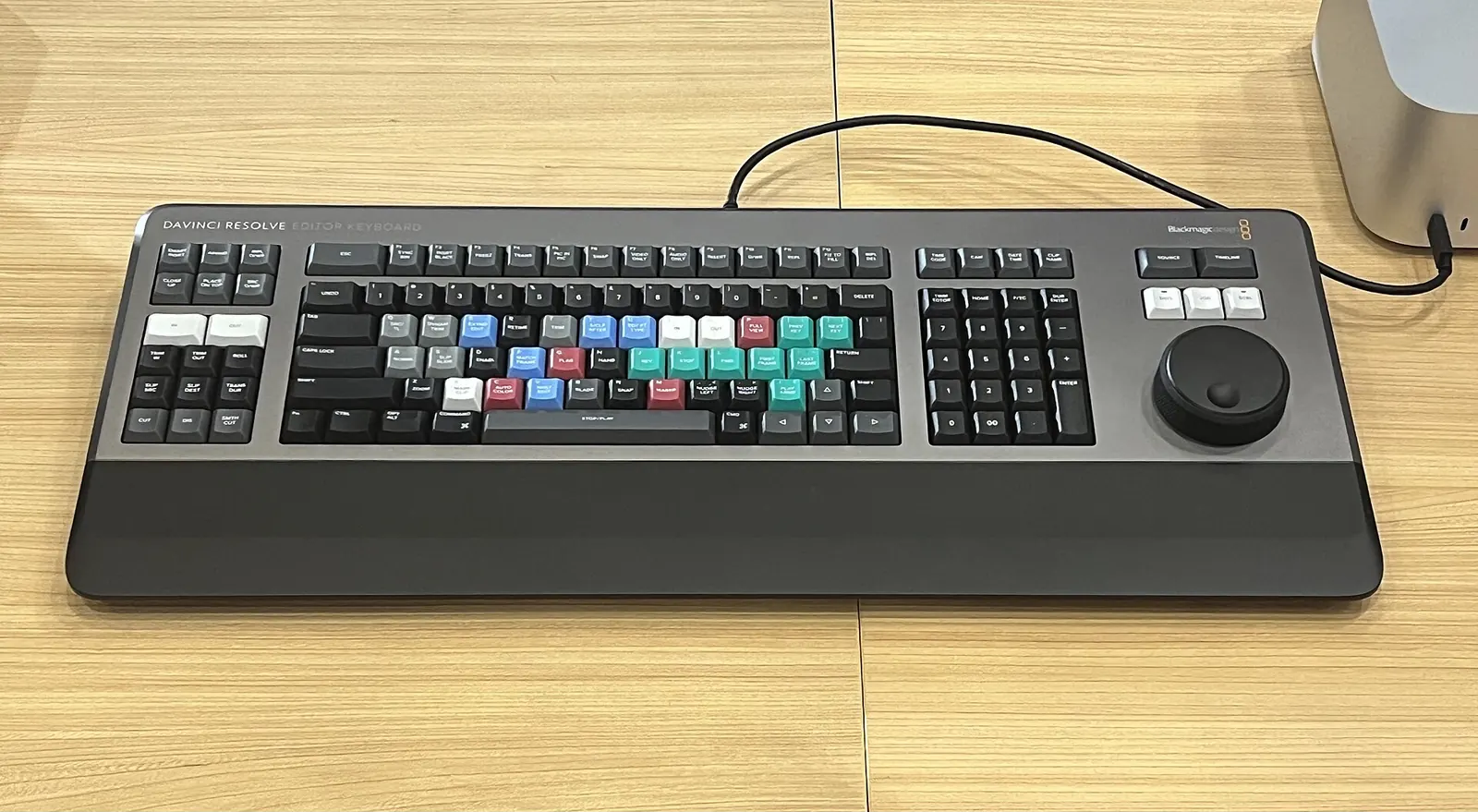
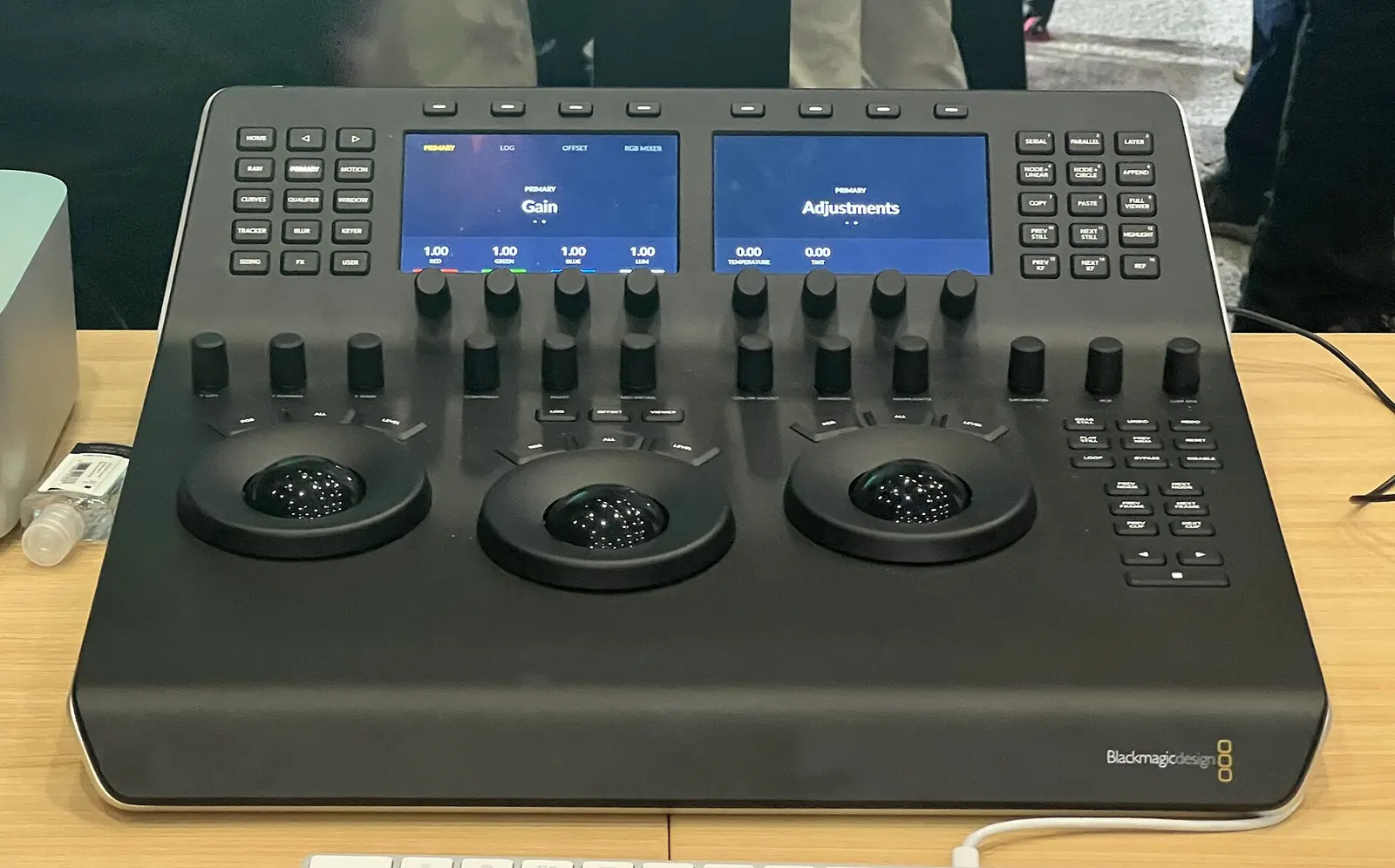
DaVinci Resolve Studio is worth buying if your footage or your deadlines hit one of the free version's walls: hardware-accelerated H.264 and H.265 decoding and encoding on your GPU, 10-bit H.264 camera files, frame rates above 60 fps or resolutions above UHD, temporal and AI noise reduction, or the Neural Engine tools such as Magic Mask and voice isolation. If you cut 8-bit footage at 4K or below and never denoise, the free version does the job, and you should keep the ₹25,980.
- UHD 60 fps is the free version's ceiling; Studio goes to 32K at 120 fps.
- ₹25,980 is Blackmagic's India price in November 2026, down 20% from ₹31,980 (US $236, from $295).
- GPU decoding of H.264/H.265 is a Studio feature; on a Windows laptop it decides whether long-GOP footage plays smoothly.
- About 50% less bit rate for the same quality is what H.265 buys over H.264, and the editor pays for it in decoding work.
- 4:2:2 10-bit hardware decoding needs Studio 20 or later and an NVIDIA RTX 50-series GPU.
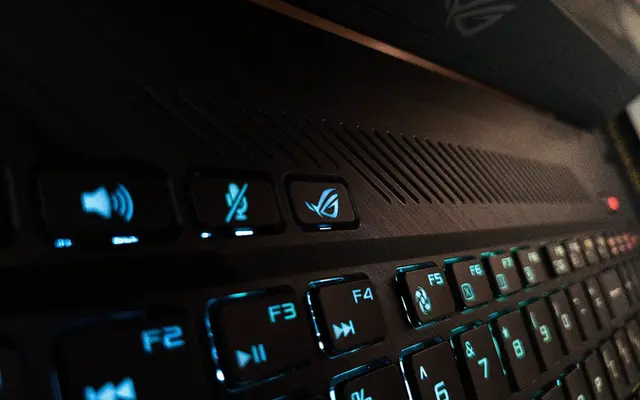
I bought DaVinci Resolve Studio in October 2026, and I edit on a 2019 ASUS ROG Strix G15 with a GTX 1650. My footage comes from a Sony ZV-E10, a DJI Osmo Action 4 and a Samsung Galaxy S25+, so the codec question below is not theoretical for me. This guide sets out what Blackmagic's own pages say each version does, then shows how to test your own clips before you pay.
What does the free version of DaVinci Resolve already do?
The free DaVinci Resolve edits and finishes projects up to Ultra HD 3840 × 2160 at up to 60 fps, with the full colour page (primaries, HSL and 3D keyers, colour warper, HDR tools), Fusion effects, Fairlight audio and multi-user collaboration. Blackmagic itself says the free version has more features than most paid editors, and for 8-bit footage that is fair.
What it lacks is the hardware path and the heavy tools. That gap is small for a YouTube vlog shot on one 8-bit camera and large for a multi-camera travel series shot in 10-bit HEVC and graded from Log.
At the NAB show in Las Vegas on 12 April 2011, Blackmagic Design did something odd for a company that had just bought one of Hollywood's most expensive colour-grading systems. It announced DaVinci Resolve 8 and, alongside it, a free version called Resolve 8 Lite, to "help promote the art of color correction".
The Lite version was tightly fenced: SD and HD output only, just two colour-correction nodes, a single processing GPU and no noise reduction. The full software then cost US$995, and a system with the control surface cost $29,995. Before Blackmagic bought da Vinci Systems in 2009, turnkey systems had sold for hundreds of thousands of dollars. Fifteen years on, the free version edits 4K at 60 fps, and the paid version costs less than a third of that 2011 software price.
Engadget: Blackmagic announcing a free version of DaVinci Resolve (2011)What exactly does DaVinci Resolve Studio add?
Studio adds over 100 features, by Blackmagic's count. For a solo editor, they fall into five groups: speed (GPU decoding and encoding, multiple GPUs), formats (10-bit H.264, above UHD, above 60 fps), image repair (noise reduction, lens correction, AI tools), audio AI, and delivery (Dolby Vision, HDR10+, IMF, DCP).
| Capability | Free | Studio | Who it matters to |
|---|---|---|---|
| Max resolution and frame rate | UHD 3840 × 2160, up to 60 fps | Up to 32K, up to 120 fps | 4K 120 fps slow motion, 6K+ cameras |
| H.264 / H.265 hardware decode and encode | No (per Blackmagic) | Yes, accelerated on GPU | Phone, action-cam and mirrorless users on Windows |
| 10-bit H.264 and "all-I" H.264 camera formats | 8-bit formats | Yes | Cameras that record 10-bit AVC |
| Temporal and AI spatial noise reduction (UltraNR) | No | Yes | Night, indoor and small-sensor footage |
| Neural Engine: Magic Mask, SuperScale, Speed Warp, face recognition, smart reframe | No | Yes | Grading people, reframing for Reels |
| AI voice isolation, dialogue separator, music remixer | No | Yes | Talking to camera in wind or traffic |
| Extra Resolve FX (45+), lens distortion correction | No | Yes | Action-cam fisheye, film looks |
| Dolby Vision, HDR10+, HDR scopes in nits | No | Yes | HDR delivery |
| Remote scripting API (Python, Lua), workflow and encoder plug-ins | No | Yes | Automating repetitive edits |
Source: Blackmagic Design's DaVinci Resolve Studio page, read in November 2026. "No" means Blackmagic lists the feature as a Studio addition.
Does your camera footage need Resolve Studio?
It depends on the codec, not the resolution. Phones, action cameras and most mirrorless cameras record long-GOP H.264 or H.265: each file stores a few full frames and describes the rest as changes, which keeps files small but makes every frame expensive to rebuild during playback. Studio lets the GPU's fixed-function decoder do that work instead of the CPU.
See the data as a table
| Bit rate saving for equal PSNR (%) | |
|---|---|
| vs H.264/AVC | 35.4 |
| vs MPEG-4 ASP | 63.7 |
| vs H.263 | 65.1 |
| vs MPEG-2 | 70.8 |
Source: Ohm et al., IEEE TCSVT 22(12), 2012, Table VI (entertainment applications) · Measured by PSNR. In subjective tests the saving over H.264 was about 50%.
The authors encoded the same test sequences with five generations of standards, from MPEG-2 to HEVC, and compared them by PSNR and by subjective viewing tests on WVGA and HD content. For equal PSNR in entertainment-style coding, HEVC used 35.4% less bit rate than H.264 and 70.8% less than MPEG-2; in subjective tests the saving over H.264 was roughly 50%. Limit: these are reference encoders at fixed settings, not the hardware encoders in cameras, and the decoding cost that comes with the savings is the editor's problem.
Read the paper (free)Here is how that plays out for the three cameras I use. The specs come from each maker's own page.
| Camera | What it records | Needs Studio for GPU decode? |
|---|---|---|
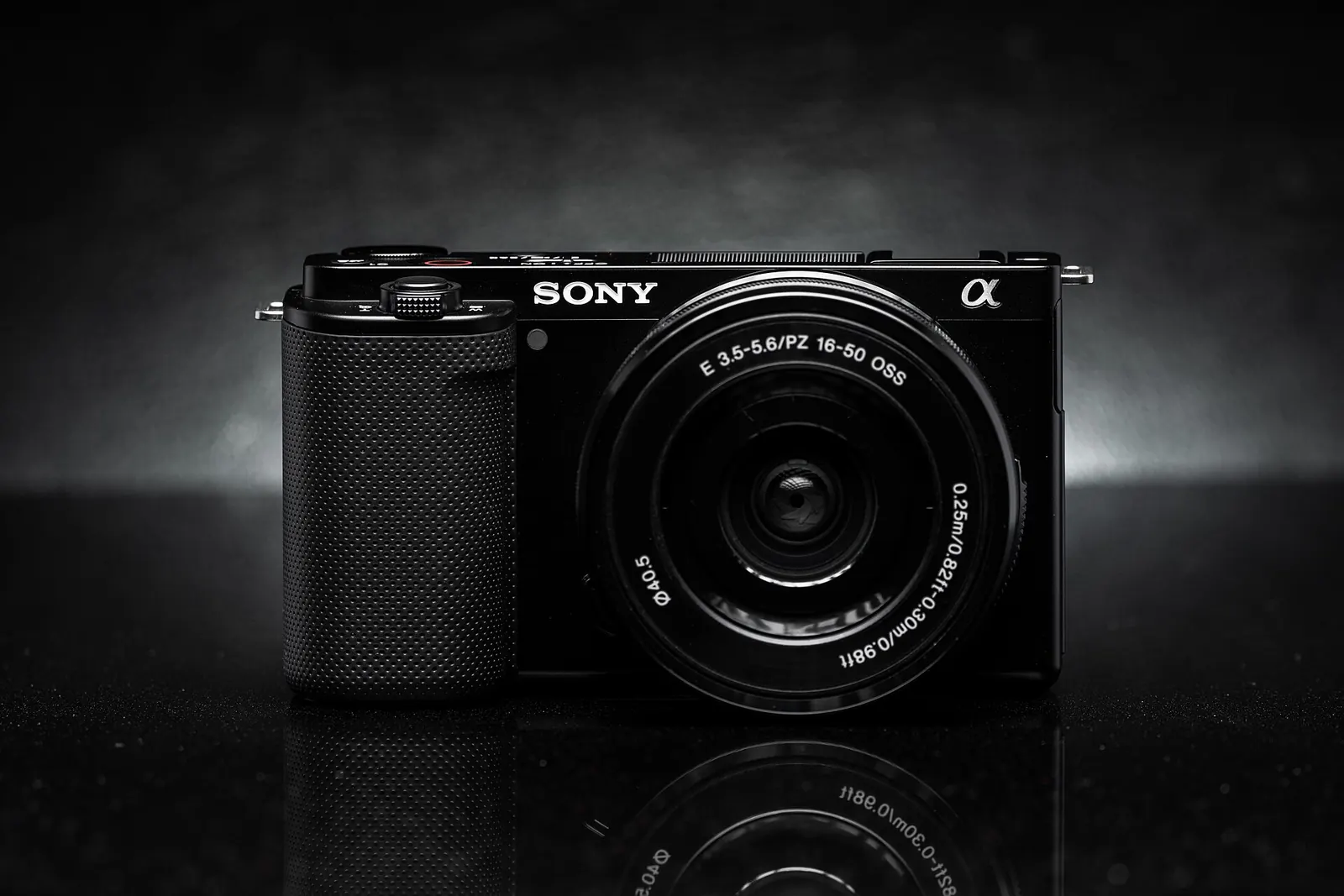
| Sony ZV-E10 | XAVC S, H.264, 8-bit 4:2:0, 4K 30p up to 100 Mbps | Helpful, not essential: 8-bit H.264 is the easiest long-GOP format |
| DJI Osmo Action 4 | H.264 or H.265; 10-bit only in HEVC; 4K up to 120 fps | Yes for 10-bit HEVC; and 4K 120 fps conforms beyond the free 60 fps limit |
| Samsung Galaxy S25+ | 10-bit HDR by default, Galaxy Log, 8K 30 fps, 4K 120 fps slow motion | Yes for smooth 10-bit HEVC playback on Windows |
What about 4:2:2 footage?
If your camera records 4:2:2 10-bit H.264 or H.265, the GPU matters as much as the licence. NVIDIA's decode support matrix lists 4:2:2 decoding only on its Blackwell (RTX 50-series) GPUs; RTX 30 and 40 laptop GPUs decode 4:2:0 10-bit HEVC but not 4:2:2. NVIDIA said in April 2025 that Resolve Studio 20 added hardware 4:2:2 encode and decode on RTX 50. My laptop write-up covers what a gaming laptop's GPU decodes in detail.
Is Studio's noise reduction worth the price?
For small-sensor footage shot after sunset, noise reduction is the single most visible Studio feature. It is also the slowest, because good video denoising looks across several frames at once, and the research shows why that costs time.
Working at GoPro France and Université de Paris, the authors built a neural network that denoises each frame using five neighbouring input frames, without a separate motion-estimation step. It matched or beat the best methods of the time on standard test sets and took about 100 ms per 960 × 540 colour frame on an NVIDIA Titan Xp, more than a thousand times faster than patch-based methods. Limit: 100 ms per small frame is still about 10 frames a second, and a 4K frame has 16 times the pixels; this is a research model, not Resolve's UltraNR.
Read the paper (free)The lesson for a buyer: multi-frame noise reduction is a render-time cost, not a playback feature. Apply it late, cache the node, and render overnight. NVIDIA reported that UltraNR in Resolve 20 ran up to 75% faster on an RTX 5090 than on the previous generation, which tells you the GPU, not the licence alone, sets how painful this is.
How do you decide in 30 minutes, before paying?
Test your own clips in the free version first. If they play and render well, you may not need Studio; if they stutter, the steps below tell you whether Studio would fix it or whether the problem is your hardware.
- Gather three clips. Your hardest real footage: the highest frame rate, the 10-bit HEVC file and a night shot.
- Make a timeline that matches your delivery. I deliver at 2K/1440p, for example; set yours to what you actually publish.
- Play each clip at full resolution. Watch the frame-rate indicator in the viewer. Dropped frames on long-GOP files point to decoding, which Studio's GPU path addresses.
- Check the GPU. Look up your GPU in NVIDIA's decode matrix (or AMD's or Intel's) for your exact codec, bit depth and chroma format. If the GPU can't decode it, Studio won't help playback.
- Try the free workaround. Generate optimised media or proxies, or transcode to an intra-frame codec such as DNxHR. If that fixes playback, you're paying for time saved, not for capability.
- List the Studio-only tools you'd use weekly. Noise reduction, Magic Mask, voice isolation, 4K 120 fps. If the list is empty, stay free.
Use this to check what you just read. Put in Blackmagic's price and a fair value for an hour of your time, and see how fast the licence pays for itself.
Resolve Studio payback time
Why did I buy Resolve Studio, and was it worth it?
I bought Studio in October 2026 and paid about ₹31,000. My travel workflow has three cameras, two of them recording 10-bit HEVC, edited on a 2019 ROG Strix G15 with a 4 GB GTX 1650. I edit in 2K/1440p and use 4K only when it helps, I prefer documentary storytelling to daily vlogging, and I turn one expedition into a multi-episode series plus Reels, narrated in Hinglish and Binglish.
The honest part: I struggled with the sheer effort of manual editing, and what finally got my vlogs made was using Claude Code. It works through Resolve's scripting API: Python and Lua scripts build each episode's timeline, place the text and graphics layers, set the render settings and queue the render, and export a project backup after each stage. Blackmagic's 21.1 release notes say advanced scripting now requires Studio, so for this way of working the licence is not optional.
- Day to day: moving from free to Studio didn't change much. I still cut on 1080p proxies with a quarter-resolution playback setting, because the laptop needs that either way.
- Where the laptop sets the limit: heavy Fusion work and stacked effects run this 4 GB GPU out of memory, so my templates stay simple. Studio unlocks the tools; the GPU decides how many you can use at once.
- The price: it felt a little high for me. But I believe I should be paying for the software I make my films with, so it's okay.
More on how AI is changing this kind of production work is on Applied AI, and on the design side in the AI design workflow guide.
Who should stay on the free version?
Stay free if you shoot 8-bit H.264 at 4K 30 fps or below, or if your playback is already smooth with optimised media. Upgrade when the 30-minute test shows dropped frames on your real clips, when you need 4K above 60 fps, or when noise and wind are ruining footage you can't reshoot.
- Free is enough: single 8-bit camera, daylight, delivery at 1080p or 4K 30.
- Studio pays off: 10-bit HEVC from phones and action cams on Windows, night footage, high-frame-rate slow motion, people-heavy grading.
- Hardware first: 4:2:2 10-bit cameras need an RTX 50-series GPU before the licence makes a difference.
Footage quality starts in the camera, so pair this with my notes on white balance and dynamic range and exposing to the right.
What's new
- DaVinci Resolve 21 adds a Photo page and new AI tools including IntelliSearch, CineFocus and Motion Deblur Blackmagic Design, 2026
- Resolve Studio 21 cut 20% to ₹25,980 in India (US$236) Blackmagic Design store, Nov 2026
- Resolve Studio 20 beta brings 4:2:2 hardware decoding on RTX 50 and a faster UltraNR NVIDIA blog, Apr 2025
- Study tracks NVIDIA's hardware encoder from Pascal to Blackwell: up to 22.79% better compression in UHQ mode arXiv (ICIP 2026), May 2026
Questions people ask
Is DaVinci Resolve Studio a one-time purchase?
Blackmagic sells Studio for a single price (₹25,980 on sale in India in November 2026, US$236), not as a monthly plan. Its store lists no subscription option.
Can the free version of DaVinci Resolve edit 4K?
Yes. The free version handles projects up to Ultra HD 3840 × 2160 at up to 60 fps. You need Studio for higher resolutions or frame rates.
Why is H.265 footage choppy in the free version of Resolve on Windows?
H.265 is long-GOP and heavily compressed, so each frame takes a lot of work to rebuild. Hardware-accelerated H.264/H.265 decoding is a Studio feature; in the free version, use optimised media, proxies or a transcode to DNxHR.
Does Resolve Studio make renders faster?
Often, yes, for H.264 and H.265 delivery, because Studio can use the GPU's hardware encoder. Effects such as noise reduction still depend on the GPU's compute power.
Sources
- Blackmagic Design: DaVinci Resolve Studio (read Nov 2026), source for the free and Studio feature lists and US prices
- Blackmagic Design India: DaVinci Resolve Studio price (Nov 2026)
- Blackmagic Design: DaVinci Resolve 21 what's new (2026)
- Blackmagic Design: DaVinci Resolve 21.1 release notes (advanced scripting requires Studio)
- Engadget: Blackmagic announcing a free version of DaVinci Resolve (2011)
- Wikipedia: DaVinci Resolve, history and version timeline
- Ohm et al.: Comparison of the Coding Efficiency of Video Coding Standards, IEEE TCSVT (2012)
- Tassano, Delon and Veit: FastDVDnet, arXiv:1907.01361 (2020)
- NVIDIA: Video encode and decode GPU support matrix
- NVIDIA blog: GeForce RTX 50 Series accelerates DaVinci Resolve 20 Studio (2025)
- Puget Systems: What H.264/H.265 hardware decoding is supported in DaVinci Resolve Studio (2024, updated 2025)
- Sony: ZV-E10 specifications
- DJI Store: Osmo Action 4, 10-bit and D-Log M notes
- Samsung Newsroom: Galaxy S25 series specifications (2025)
- Arunruangsirilert and Katto: Evolution of NVENC Efficiency, arXiv:2605.01187 (2026)

Sapta (Saptarshi Sarkar) is a mechanical engineer turned marketer in Bengaluru and a solo touring rider. He writes the seven Saptaverse blogs. Work with him or read more of Artblog.